

In this blog post I will cover section 2 objective 2.2 of the VCAP6-NV Deploy exam.
Objective 2.2 – Configure and Manage Layer 2 Bridging
- Add Layer 2 Bridging
- Connect Layer 2 Bridging to the appropriate distributed virtual port group
In this blog post I will cover section 1 objective 1.3 of the VCAP6-NV Deploy exam.

In this blog post, I will cover section 1 objective 1.2 of the VCAP6-NV Deploy exam.
A NSX edge can be used to relay name resolution requests from clients to external DNS servers. As the NSX relay these requests, it caches the response from the DNS server. In this blog post, I will show you how to configure the DNS servers on the NSX edge.
First, navigate the Networking & Security.
In this blog post we will be deploying the NSX manager appliance. This is the first step in beginning to deploy NSX in your VMware environment. First things first, after downloading the NSX OVA file, right click on the cluster you want to deploy the appliance in and click Deploy OVF Template. Browse to and select the NSX OVA file and click Next.

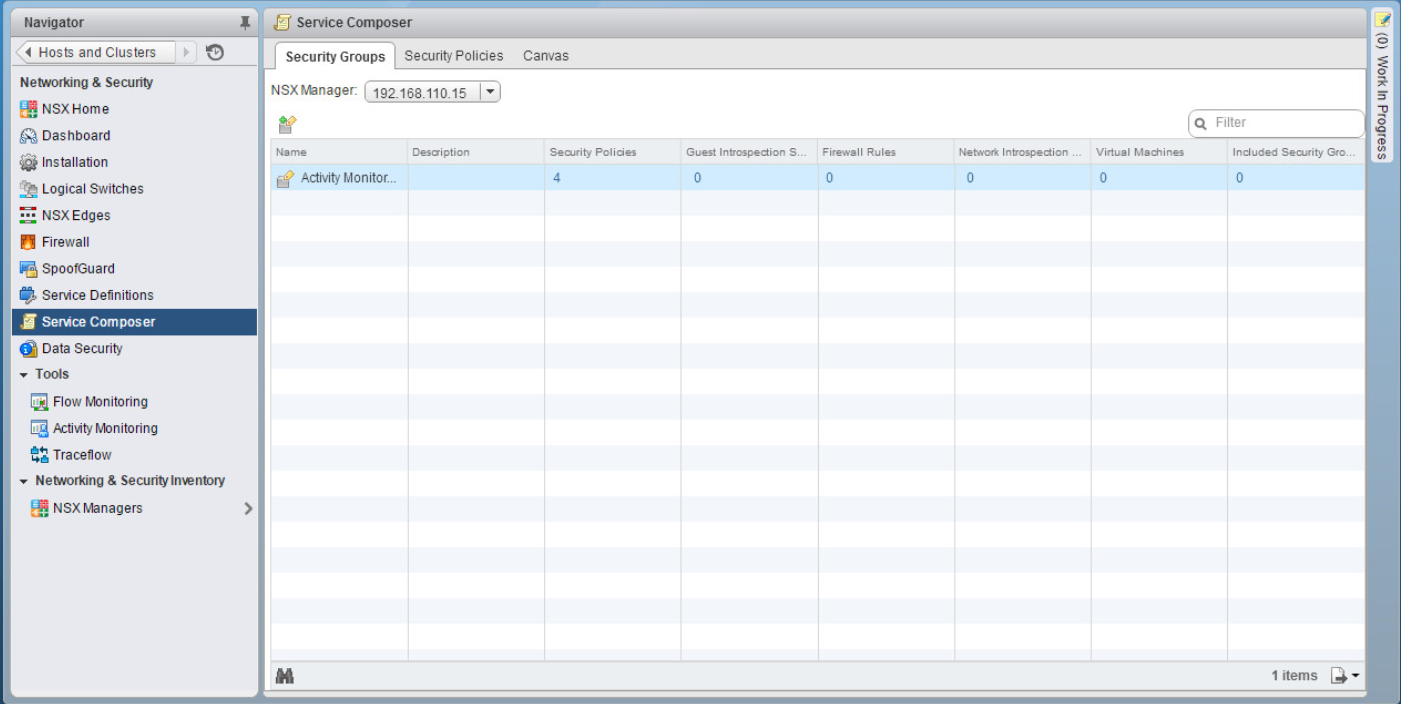
The NSX service composer is one of my favorite features of NSX. I’ve never really considered myself to be lazy when it comes to doing something the right way…but I’ve never been one to overwork myself to do that. Dad always said “Work smarter, not harder”. The service composer is a combination of both. It’s a way to create multiple rules in your virtual infrastructure for items that are alike or that need to have the same type of services allowed or denied. For you Cisco guys, this is a familiar concept. Think objects and object groups on a ASA. For example, say I have a group of 6 web servers that I want to block ICMP traffic. Well that would normally mean that I would have to create 6 individual rules, one for each web server, to block this. With the service composer, however, I can create one rule. With the use of security groups and security policies, service composer makes life easy…and that doesn’t mean that you’re lazy 🙂
In this blog post, I will show you how to use the service composer to create a security policy and apply it to multiple servers.
First navigate to Networking & Security > Service Composer
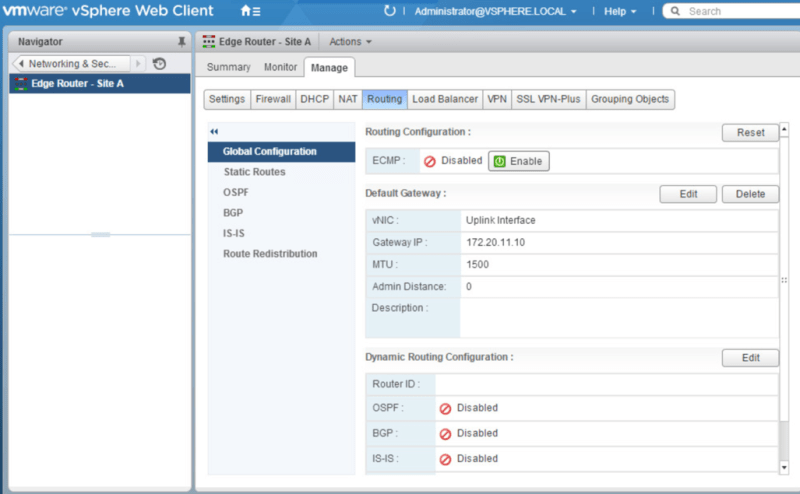
Picking up from where we left off, in our last post, we deployed the NSX Edge Appliance and created interfaces to connect to each of our logical switches to allow for communication between the VMs on each logical switch. In this post we will configure OSPF as our dynamic routing protocol between the edge appliance and the logical router.
Navigate to Networking & Security>NSX Edges. Double click the Edge Router. Under Manage>Routing>Global Configuration click Edit by Dynamic Routing Configuration.

 Let's v4Real